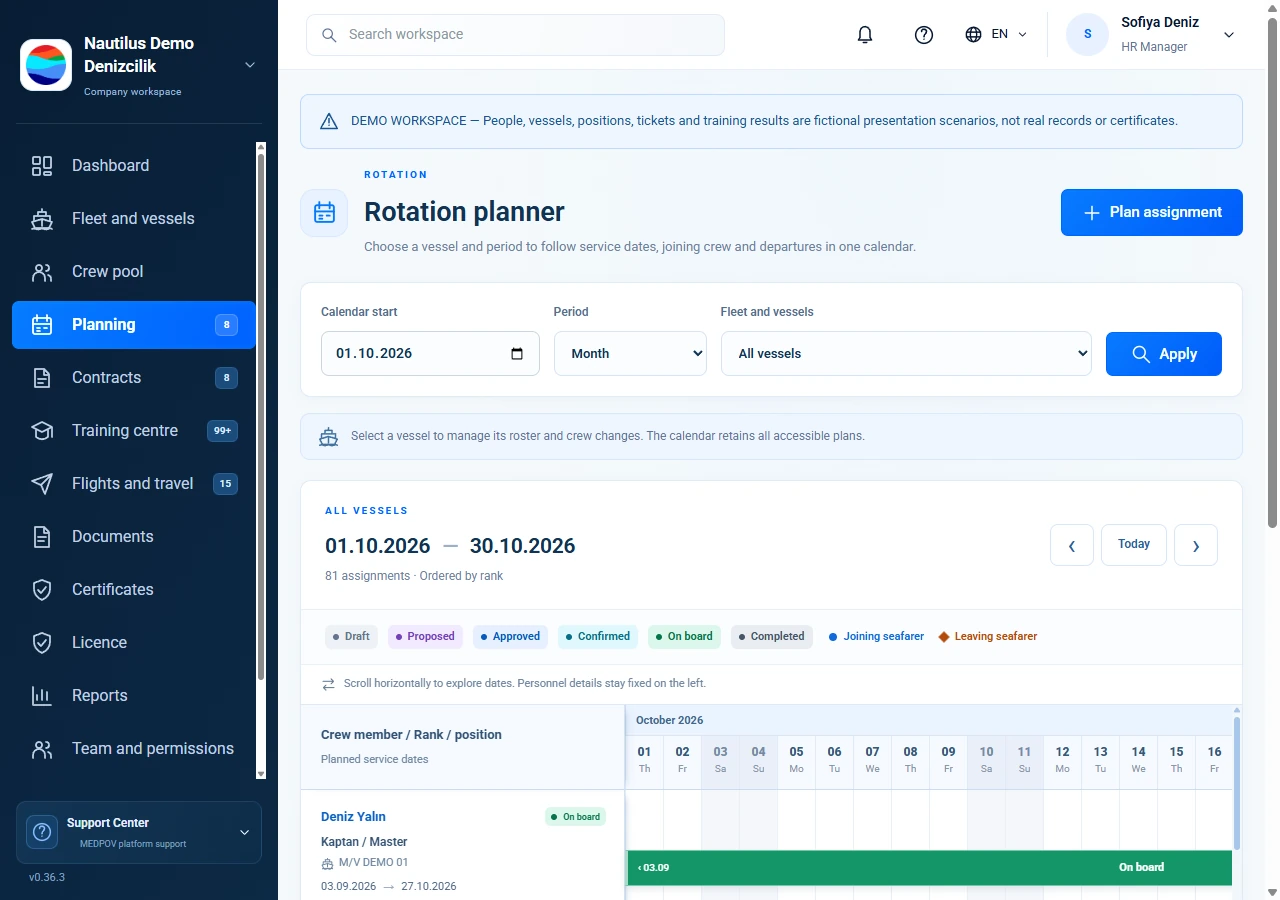
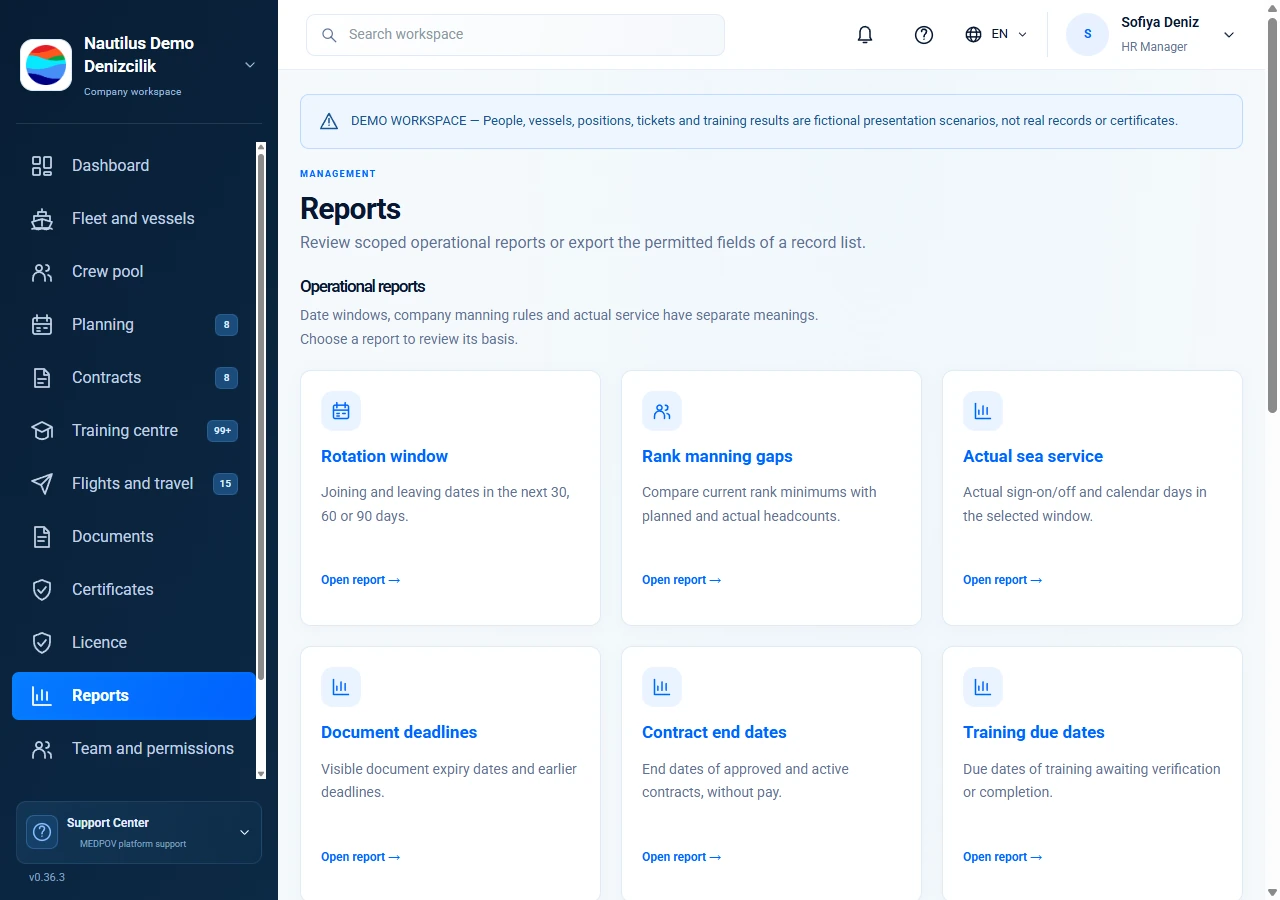
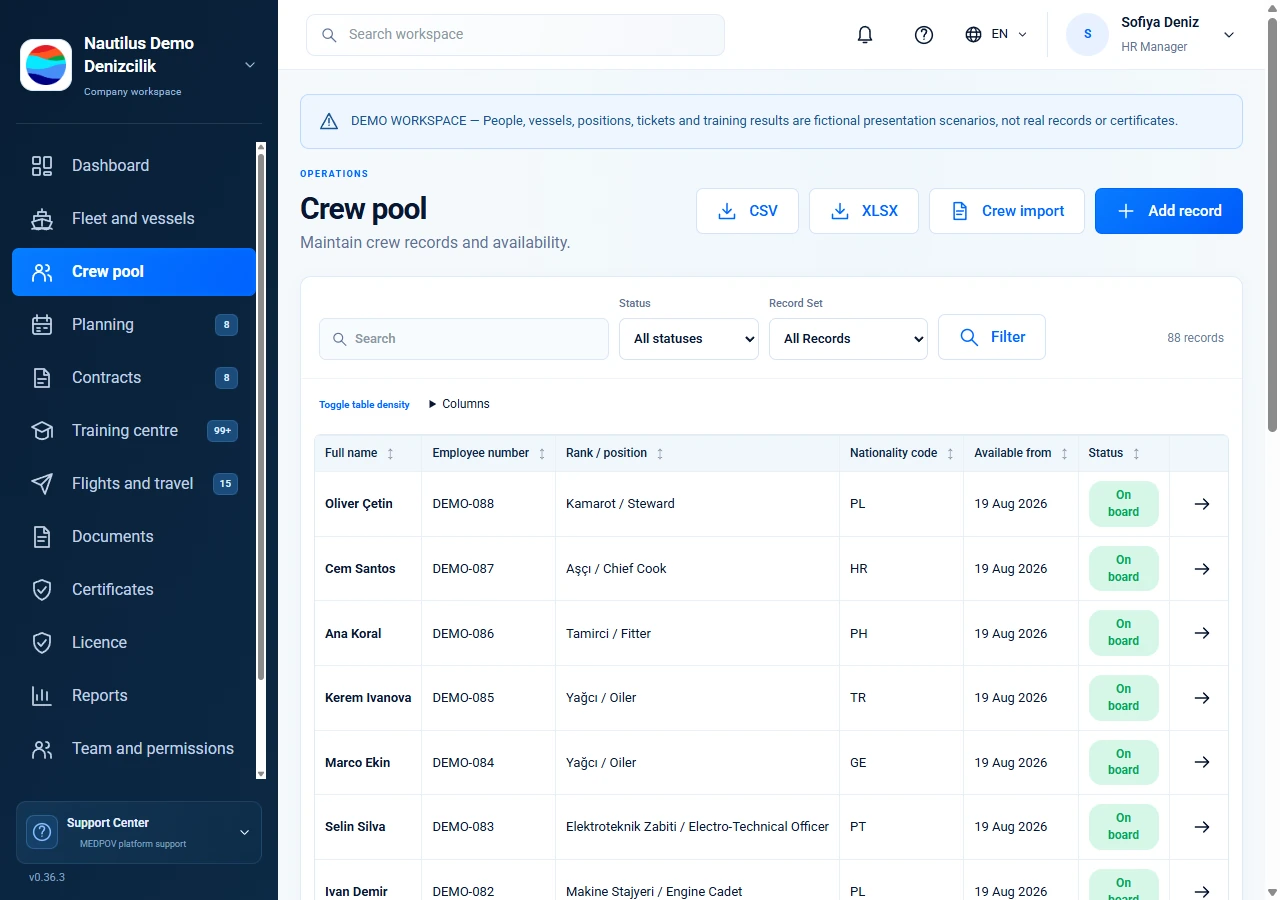
Select a vessel and view the roster from master to cadet. Choose incoming crew from the ashore pool, track dates on the calendar and manage both travellers in one change workspace.
Captured from the application’s demo workspace. Displayed records and vessel identifiers are fictional.
02 / Workflow
An operational home for your fleet
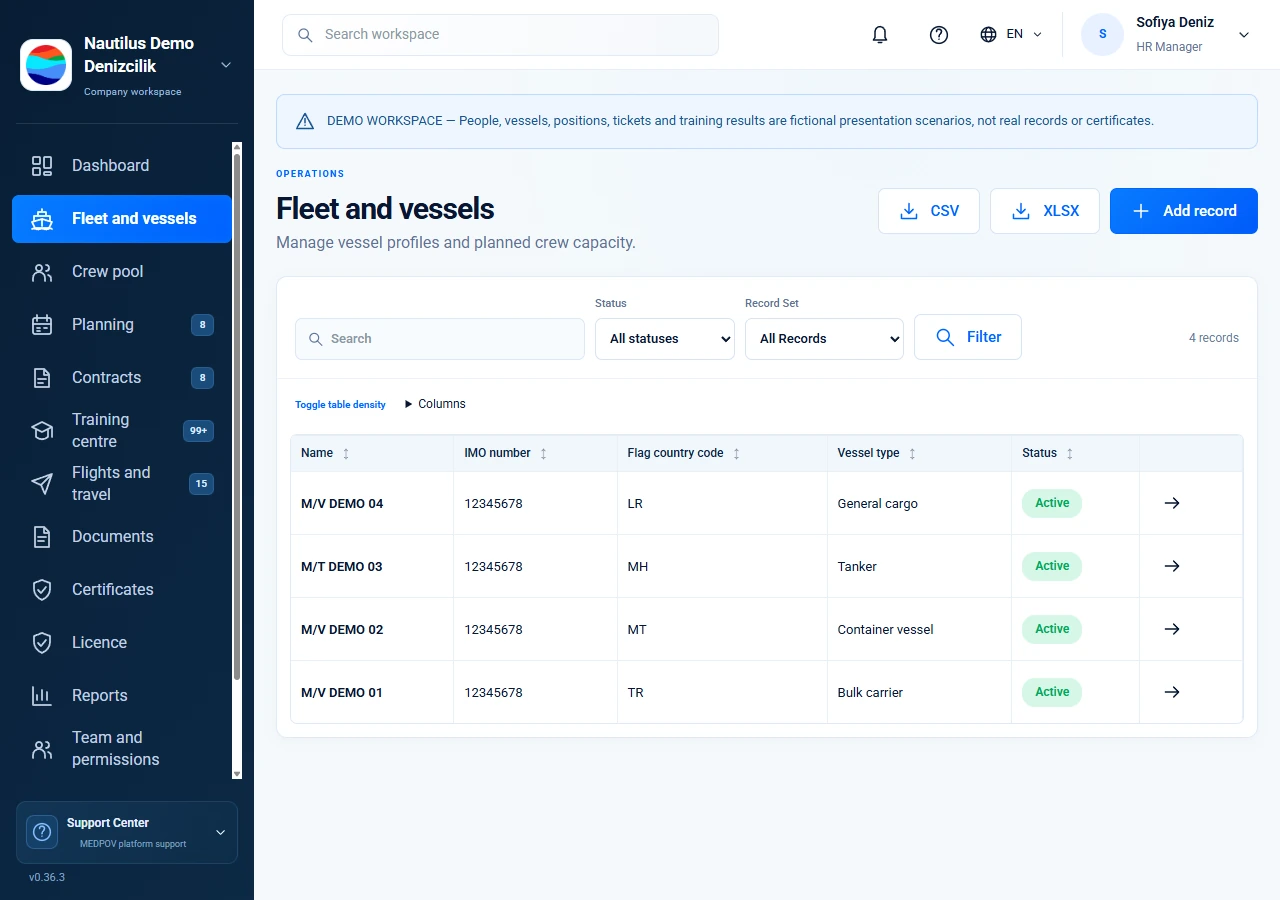
Vessel particulars, photos, roster and documents in one place. Open the VesselFinder map when an IMO is saved. Staff-reported positions remain clearly identified.
Captured from the application’s demo workspace. Displayed records and vessel identifiers are fictional.
03 / Workflow
From assignment to review
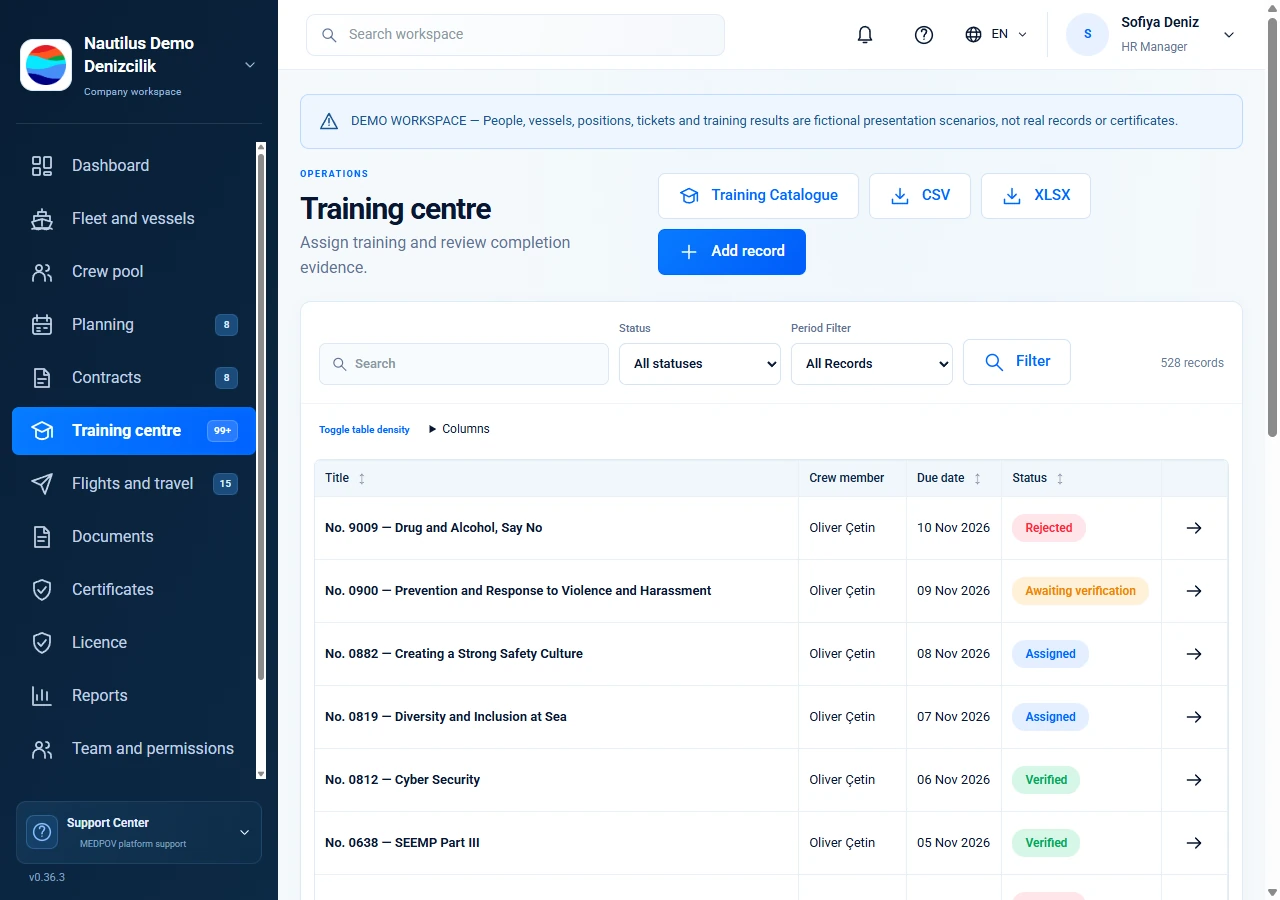
Maintain your own company training catalogue. Personnel submit progress and evidence; authorized staff review outcomes. Self-reported progress and verified results remain distinct.
Captured from the application’s demo workspace. Displayed records and vessel identifiers are fictional.
04 / Workflow
Changing plans, traceable decisions
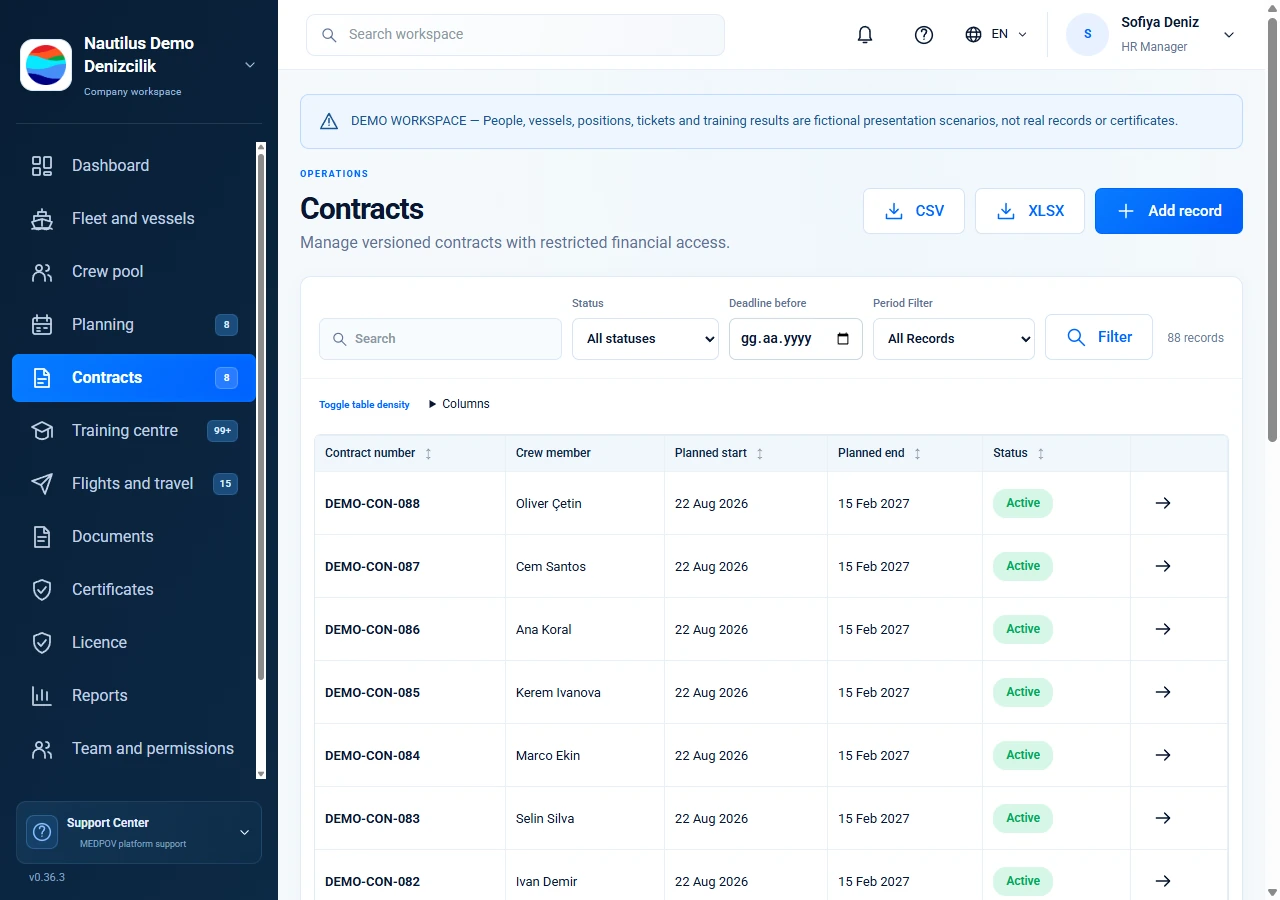
Revisions to approved assignments and contracts carry a reason and separate review. Seafarers retain the previously shared version until the new one is published.
Captured from the application’s demo workspace. Displayed records and vessel identifiers are fictional.
06 / Workflow
Connect shore and sea through shared records
Seafarers update contact, address, emergency and bank information in their portal. Authorized shore staff follow the same profile through section-specific permissions.
Captured from the application’s demo workspace. Displayed records and vessel identifiers are fictional.
07 / Workflow
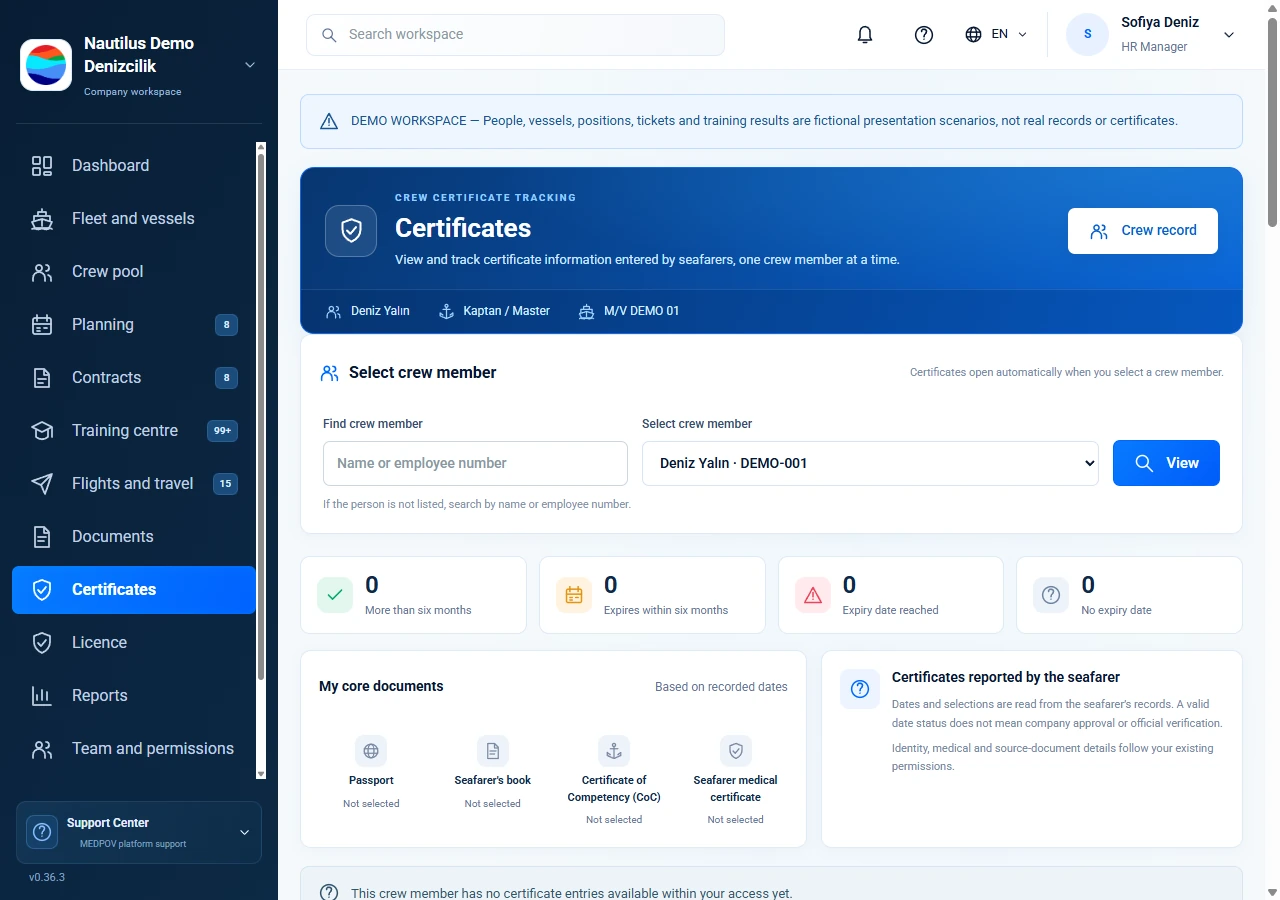
Keep personal certificate dates visible
Track seafarer-entered dates in a separate portfolio. Authorized shore staff can view a selected person. Personal date tracking does not replace company document verification.
Captured from the application’s demo workspace. Displayed records and vessel identifiers are fictional.
08 / Workflow
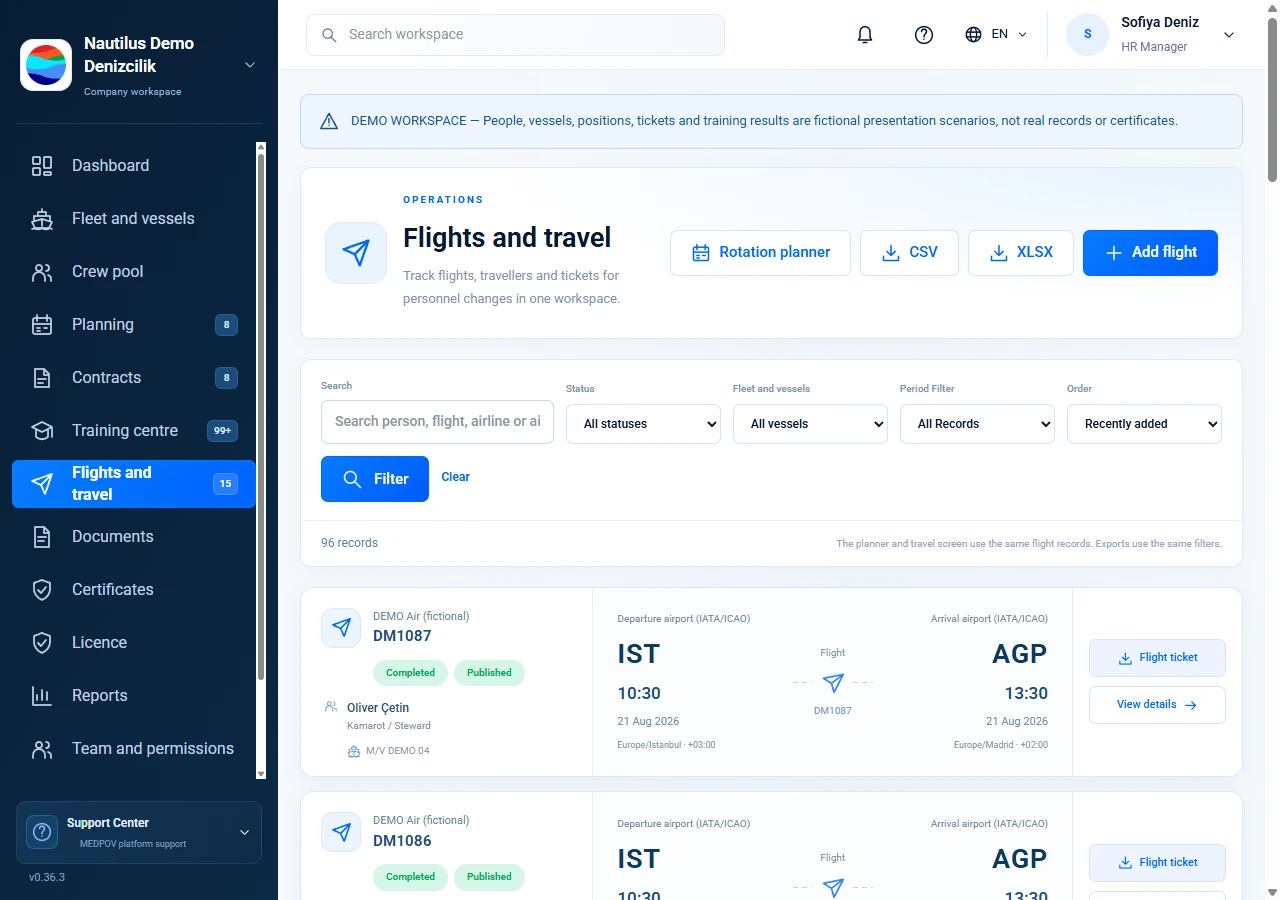
Clear travel for joining and leaving crew
Record flights, local times, time zones and private tickets. The planner and general travel overview share the same records. Published flights appear in the relevant seafarer portal.
Captured from the application’s demo workspace. Displayed records and vessel identifiers are fictional.
09 / Workflow
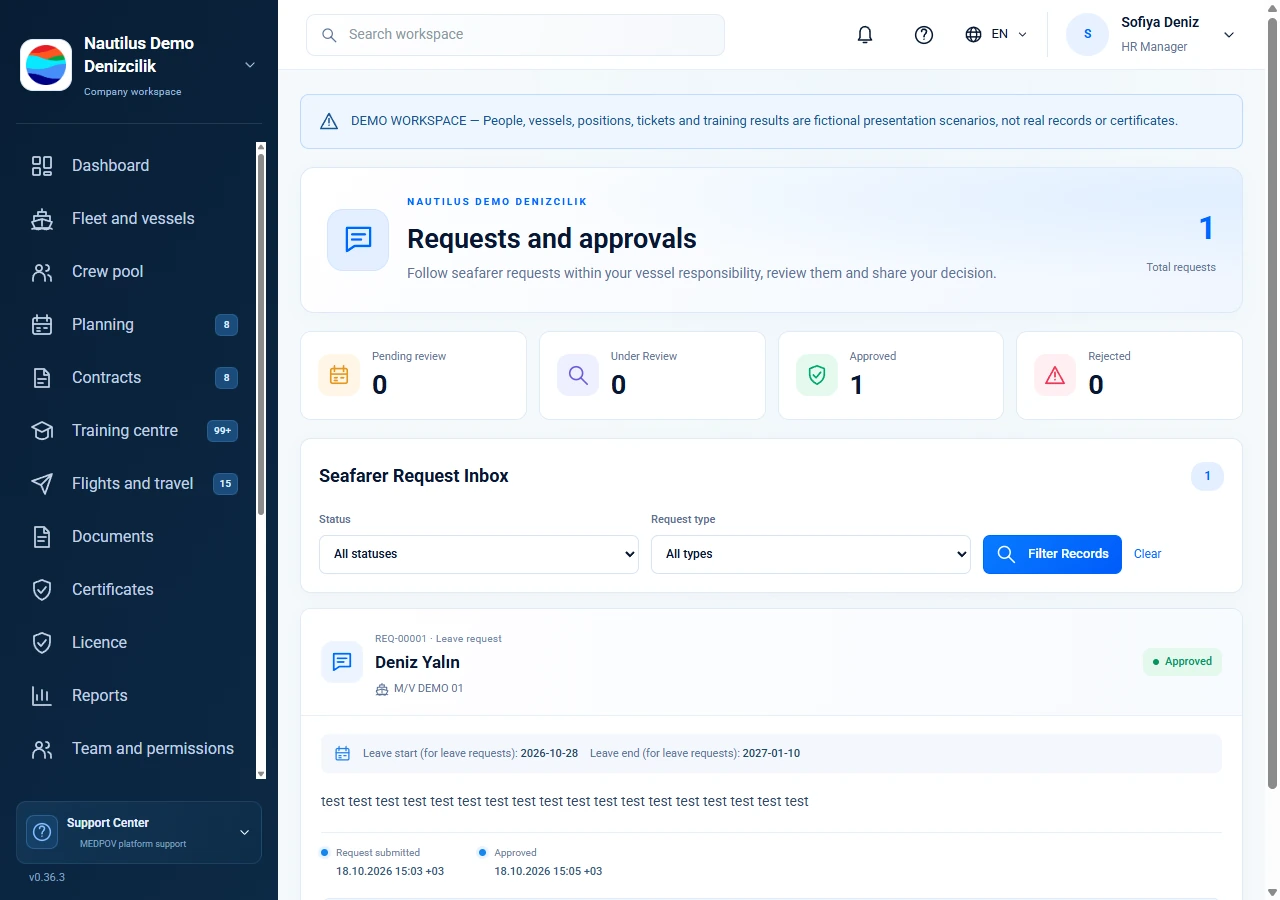
The right team, visible responses
Management and the current vessel coordinator follow leave, information and profile requests. Companies can send in-app notices to a seafarer or a vessel’s current crew.